
Don't miss interesting news
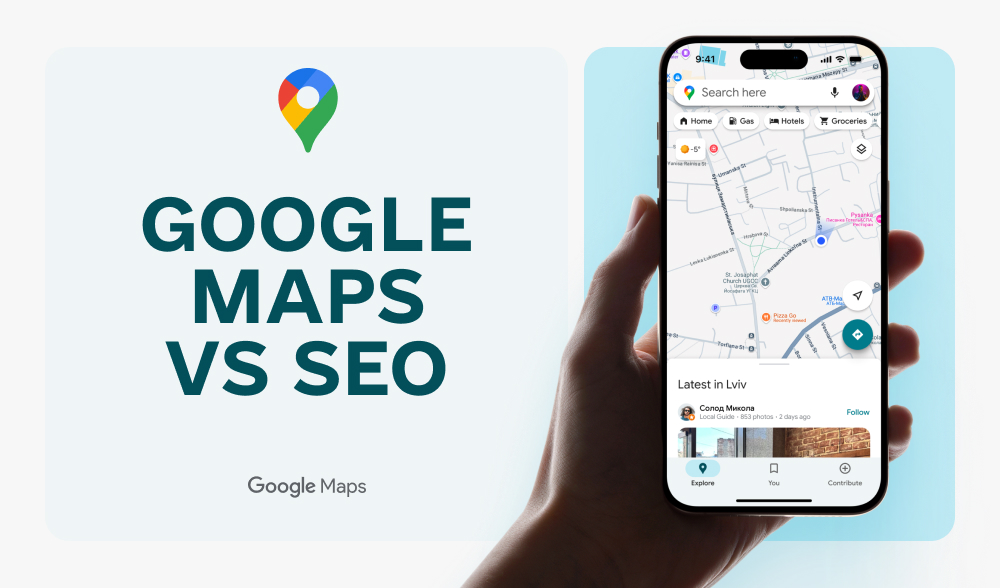
Almost 46% of all Google searches are local. People are not looking for information, but for solutions here and now. “Marketing agency Kyiv”. “Coworking nearby”. “Business card printing Lviv”. And the first thing they see is a map.
For businesses, this means that if you are not in the top block of Google Maps, for a part of the audience you do not exist.
And here it is important to understand: the Google Maps algorithm works differently from classic search. The factors that help you rank in organic search have almost no effect on the position in the Local Pack – hence the block with a map and three companies at the top of the page.
The block with a map is a premium area of attention. It appears above the organic results in most local queries and collects a significant portion of clicks. On mobile devices, this share is even higher.
Users don’t read long texts, but look at ratings, reviews, photos, and click the “Call” or “Get directions” button. This is no longer a research stage. This is a selection stage.
And if your business is in fourth position or lower, the chances of reaching you are sharply reduced. In competitive niches, the first position on the map can take away the majority of clicks. The rest of the players share the remaining attention.
For local businesses, this means losing the most converting traffic.
Google Maps SEO is the optimization of the Google Business Profile and all local signals that affect visibility in the map.
It’s not about “blue links”, but about getting into the same block with the map and the list of companies. The algorithm takes into account other factors: profile relevance, proximity to the user, activity, reviews, and local authority.
That’s why a business can be at the top of organic search results, but not appear in the Local Pack. Conversely, a company with a simple website but a properly optimized profile can consistently receive calls from the map.
Mobile search is growing, competition is intensifying, and users are less likely to visit sites if they can make a decision directly in the search results.
Let’s take a look at how the Google Maps algorithm works and what specific actions affect your position in 2026.
To avoid confusion, it’s worth separating the two worlds right away. Classic SEO works with your website. Google Maps SEO works with your business profile and local signals.
| SEO | Google Maps SEO |
| Backlinks build authority | Consistency of mentions and contact information (NAP) is important |
| Content depth matters | A complete Google Business Profile matters |
| Site speed affects rankings | Influenced by activity and interaction with the profile |
| Keywords in texts | Keywords in categories, services, reviews |
| Domain age adds credibility | Freshness and dynamics of reviews are important |
| You can rank nationwide | The principle of proximity to the user works |
In classic SEO, you optimize pages. In Maps SEO, you optimize trust, relevance, and local presence.
Let’s imagine a local bakery. The website is simple: three pages, without a complex structure and a large-scale blog. But in Google Business Profile:
The result is first place in Maps Pack for the query “cakes near me”.
Nearby is a competitor with a large website and good backlinks, but only a few dozen reviews and an incomplete profile. He is in seventh position and receives almost no clicks.
The conclusion is very straightforward: in Google Maps, your Google Business Profile actually becomes your main asset.
What should a business do in 2026?
Theory is good. But if you are a marketer or business owner, you are interested in something else: where to start tomorrow.
In its official documentation for businesses, Google directly explains what affects local rankings: completeness of the profile, relevance of information, reviews, activity, and consistency of data on the network. No magic. No “secret buttons”.
Here is a basic checklist.
Google directly recommends filling out the profile as completely as possible. This includes:
An empty or partially filled profile automatically loses to those with complete and structured information.
And importantly, the profile must be verified. Unverified companies cannot fully control data and appear less trustworthy to the algorithm.
NAP is Name, Address, Phone. Google takes into account the consistency of this data across different platforms: directories, marketplaces, and social networks.
If in one place you are “Alpha LLC”, in another “Alpha Group”, and the phone number is different, the algorithm sees a discrepancy.
Therefore, you need to:
This is basic local SEO hygiene, but many businesses ignore it.
Google officially confirms that the number and quality of reviews affect local rankings.
What is important:
Instead of asking customers to “leave a review” once a year, it is better to build this into the process: after a purchase, after service, via email or messenger.
And one more thing. Bought or fake reviews are a risk. Google actively removes suspicious activity and may even suspend the profile.
Google explicitly states that profiles with photos receive more engagement.
What to add:
And it’s important not to upload 5 photos “for show,” but to update your content periodically. Freshness signals to the algorithm that your business is active.
Google Business Profile allows you to publish posts — news, events, promotions, updates. Many businesses don’t even know this feature exists. Regular posts:
This is not a replacement for social media, but it’s a good signal for the local algorithm.
In 2026, Google Maps is not a one-time setup, but a process. A complete profile. Real data, live reviews, current photos. Regular updates. And then this tool will work for you, not you for it.